How to Limit the Notifications on your iPhone
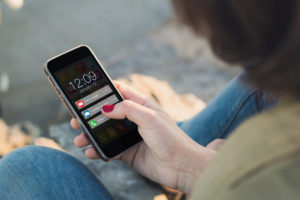
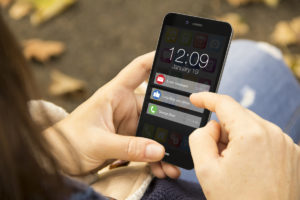
Notifications are a two-edged sword. Here’s how to configure notifications to stay connected without completely destroying your focus.

Notifications are a two-edged sword. Here’s how to configure notifications to stay connected without completely destroying your focus.
Sometimes You Want a Task to Jump Off the Page
Setting a reminder lets a task jump off the page at the right time. This lets you focus on what you’re doing without forgetting about what’s coming.
Think of what you want to do, not how you’ll do it
Folders is one way to organize apps on your iOS home screen. Shortcuts give you a way to organize tasks on your home screen.
Let your Mac notify your iPhone or Apple Watch when it’s ready for you
Here’s how to send a push notification to your iPhone from the Terminal in macOS. Instead of waiting for a long job to finish, let your Mac notify you.
Bring your signature workflow into the 23rd century
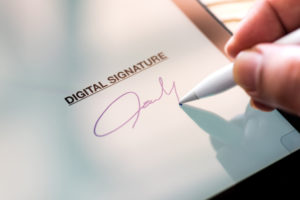
There’s no need to print, sign, and scan a PDF. On iOS and macOS, you can get better results by affixing your signature digitally.
Make your digital assistant a little more fluent
When the default pronunciation isn’t right, it’s easy to teach Siri the right way to say it.
There’s a tap for that
A lot of actions can be reduced to a single tap, then letting your phone do the rest.
If your app does certain things, it should let you do them through your car stereo
CarPlay lets you use your iPhone’s key functions safely behind the wheel. Here are the third-party apps I would use while driving if I could.
An alternative may better suit your style
iOS has a great keyboard. You may be able to find one that better suits your workflow.
Is “just in case” worth the risk?
You can wear your Apple Watch (series 2 or later) in the shower, if you must. Here are some best practices to keep it squeaky clean.