7 TextExpander Macros to Increase Your Typing Efficiency
Make every keystroke count
One of the best things you can do to increase your productivity at the computer is to use macro software like TextExpander. Here are 7 ideas to get you started.

Make every keystroke count
One of the best things you can do to increase your productivity at the computer is to use macro software like TextExpander. Here are 7 ideas to get you started.
Increase your intensity, increase your productivity
Focus helps you be productive day-to-day and get clear on the big picture. Here are four stages of focus that will help at any level of thinking.
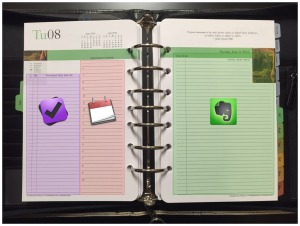
Every day needs a plan, a map, and room for notes
Evernote is a great tool for personal productivity. Here’s how you can use it to complete your system.
Keep your digital workspace clear and ready for the task at hand
Clutter on your computer desktop can hurt your productivity as much as clutter on your physical desktop. Here’s why and how to clean it up.
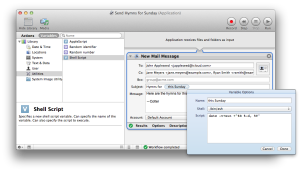
Do you send the same email over and over? Here’s how you can save time and energy by using Automator to create an email template.
The right tool for the right job
Productivity and organization go hand in hand. A good scanner will help you organize your paper documents, so you can spend more time doing and relaxing, and less time hunting and worrying. Here are the four scanners I use (though I could probably get by with two).
Create a task with the current URL
I often find myself needing to come back to a page later. I used to just leave the page open in another tab, but that can quickly get out of hand. Then I tried adding the pages to Pocket, but they would get lost with the articles I just wanted to read later. I wanted […]
Get more done and think less about it
Forgetting is good as long as you remember at the right time. Here are eight tips to free up your brain until it’s time to get things done.
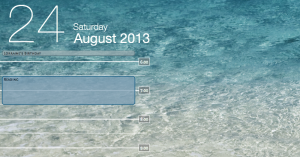
Bring paper-planner visibility to your Mac
Putting your calendar on the desktop is a useful and unobtrusive way of staying on top of your schedule.