macOS

How to Scan Documents with PDFScanner

Turn paper into a searchable PDF in seconds

Few companies know how to make beautiful software and functional hardware. Take the Epson ES–500W scanner, for example. It’s a workhorse of a document scanner—almost as good as the Fujitsu ScanSnap it replaced—but the software that comes with it leaves something to be desired. It’s not so bad that I don’t want to use the […]

3:15 read (644 words)

How to Send a Push Notification from Terminal

Let your Mac notify your iPhone or Apple Watch when it’s ready for you

Here’s how to send a push notification to your iPhone from the Terminal in macOS. Instead of waiting for a long job to finish, let your Mac notify you.

5:50 read (1,169 words)

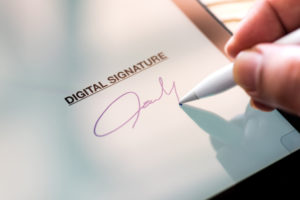
How to Sign a PDF on iOS or macOS

Bring your signature workflow into the 23rd century

There’s no need to print, sign, and scan a PDF. On iOS and macOS, you can get better results by affixing your signature digitally.

2:50 read (568 words)

5 Hacks to Make Your Desktop More Useful

Keep a constant reminder just a keystroke away

Your computer’s desktop is a constant backdrop as you work. Why not let it help bring your productivity to the foreground?

3:25 read (689 words)

How to Start Any Document with the Right Template

You only need to start at the beginning once

Instead of creating a document from scratch every time, save a template and turn it into a stationery pad. It’s a little-known feature of macOS that gives you a head start on any document.

3:00 read (607 words)

How to Save Photos, Video, and Audio from Messages

Send Your Precious Moments Somewhere They’ll Last Forever

What do you do with the photos, videos, and audio you’ve received in Messages? With just a few taps, you can send those precious moments someplace they’ll last forever.

2:15 read (456 words)

How to Process PDFs Faster with Custom Services

How to send PDFs anywhere as soon as they’re created

A large part of going paperless means replacing tree-based paper with digital paper—PDFs. One trick that will really streamline your digital paper workflow is to take a PDF from one application and immediately open it in another app. Here’s how.

3:35 read (715 words)